
 SYED UMAIR ALI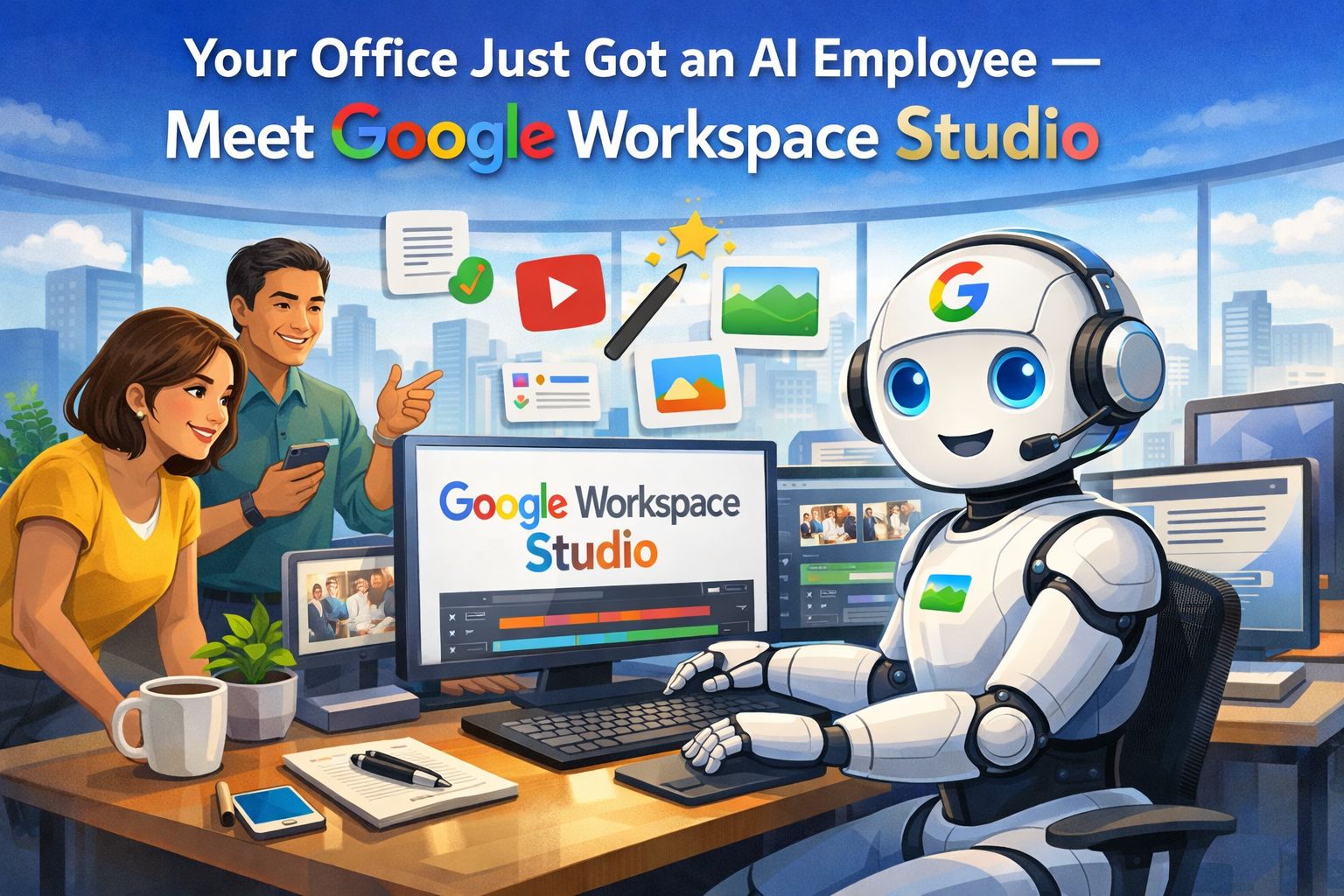
Your Office Just Got an AI Employee — Meet Google Workspace Studio
Google has quietly rolled out one of the most significant productivity tools in years. Here’s what it is, why it matters, and how your team can start using it today.
Now live for all users — As of March 19, 2026, Workspace Studio is fully rolled out to all Business and Enterprise plans. Access it at studio.workspace.google.com
Imagine if you could hire an assistant who never sleeps, never forgets a follow-up, and can handle dozens of workflows simultaneously — all inside the Google apps you already use every day. That is no longer a hypothetical. Google Workspace Studio is here, and it is quietly transforming how offices operate.
Launched in December 2025 and now available to all Google Workspace subscribers as of March 2026, Studio lets any employee — not just IT teams — build intelligent AI agents in plain English, with zero coding required. It is the first time Google has embedded the full reasoning power of its Gemini 3 AI model directly into Gmail, Docs, Sheets, Drive, Meet, and Chat as a unified automation layer.
What exactly is it?
Think of Workspace Studio as a no-code agent builder living inside your Google account. You describe what you want automated — “Every Monday, scan my inbox for urgent client emails and draft a priority list in a Google Doc” — and Gemini builds and runs it for you. No formulas. No scripts. No third-party subscription.
The key difference from older tools like Google Apps Script or Zapier is that Studio’s agents don’t just follow rigid rules. They reason. They understand context. If an email is ambiguous, the agent interprets intent rather than failing silently. That is a fundamental shift in how workplace automation behaves.
“We’ve all lost countless hours to the daily grind: sifting through emails, juggling calendar logistics, and chasing follow-up tasks. Legacy tools tried to help, but were simply too rigid for the everyday user.”
— Google Workspace Team
Why it matters: the real advantages
Productivity benefits that actually show up in numbers
The productivity case for Workspace Studio is not theoretical. During Google’s Gemini Alpha program, early customers collectively automated over 20 million tasks in a single month — ranging from simple meeting reminders all the way to complex legal document triage and multi-step travel approvals.
Kärcher, the global cleaning equipment manufacturer, became one of the first enterprise adopters. By deploying a chain of four agents inside Studio — one for brainstorming, one for technical feasibility, one for UX review, and one for final documentation — they reduced their product planning drafting time by 90%. A task that previously took hours of manual consolidation now produces a ready-to-review plan in under two minutes.
For the typical office environment, the gains accumulate quickly: fewer manual status emails, no missed follow-ups, faster report generation, and zero context-switching between apps. Research consistently shows that knowledge workers lose up to two hours a day to repetitive coordination tasks. Studio directly attacks that number.
How to use it in a real office environment
The applications are surprisingly broad. Here are practical examples across five common office functions:
Onboarding new employees automatically
Meeting follow-ups and minutes
Invoice and approval workflows
Content drafting pipeline
Weekly reporting, fully automated
The bigger picture
Workspace Studio is not simply another automation tool. It represents a shift in how organizations should think about workflow design. For the first time, the people who best understand a problem — the department staff, the coordinator, the office manager — can build the solution themselves, without depending on a developer or buying an additional platform.
In an era where AI tools are multiplying rapidly, Google’s smartest move here was consolidation: putting intelligent automation inside the tools people already use every day, secured within organizational data controls, and accessible to everyone regardless of technical background.
For office environments that still run on manual follow-ups, repetitive email chains, and end-of-week report assembly — the upgrade path is now a few plain English sentences away.
Workspace Studio is available now on all Google Workspace Business and Enterprise plans at no extra cost.
Visit studio.workspace.google.com to start building your first agent, or ask your Google Workspace administrator to verify access for your organization.
Full documentation and training resources are available at the Google Workspace Help Center.
Ready to automate your office?
Workspace Studio is live for all Google Workspace subscribers. Build your first AI agent in minutes — no coding, no technical expertise required.





Share our products, reap the rewards—apply to our affiliate program!
Share your details